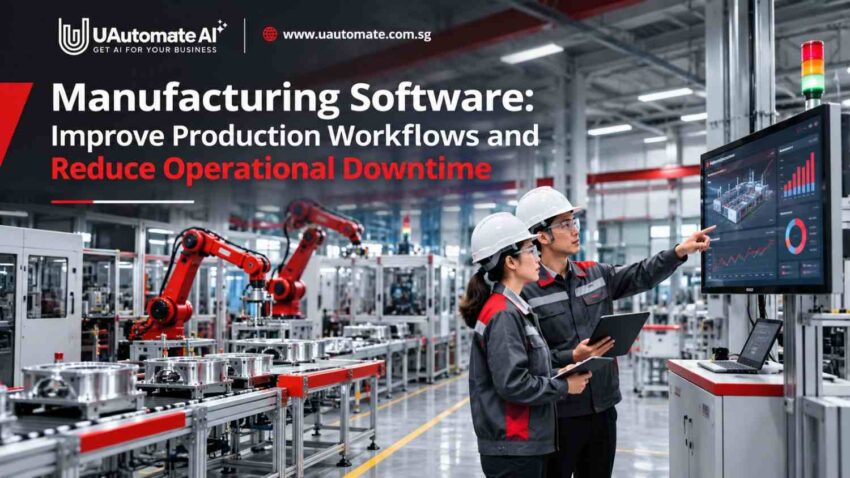
Managing a manufacturing facility includes the coordination of production schedules, employees, machinery, inventory and quality checks. When these processes are handled by separate systems, spreadsheets or through manual communication which is the case for most plants, even basic tasks may become very difficult to handle. Manufacturing software which is adopted by Singapore businesses helps to integrate these processes, improve operational visibility and keep production flows in order.
In a scenario of a factory which has a production line which is set to go but waiting for materials to arrive at the work station. Employees are on stand by, equipment is available and in fact the order is already behind schedule. The issue may not be with the machinery at all but a lack of communication between production and inventory teams.
Situations like these can affect productivity and delivery commitments. Connecting operational information, automating routine tasks and improving communication can help manufacturers manage such challenges more effectively.
Why Production Workflows Break Down in Modern Manufacturing
As we scale manufacturing operations we see that use of disjointed applications and manual records grows more difficult.
Here are five which see production workflows grind to a halt.
1. Production information is scattered
Many factories have separate systems for inventory, production planning, maintenance and quality management. Employees go to different platforms to find out information which in turn slows down daily decisions.
2. Manual communication creates delays
When updates are in the form of phone calls, emails or physical documents important info may not get to the right team in a timely manner. Also a machine breakdown or material shortage may throw off the production schedule.
3. Limited work-order visibility
Without a centralised system managers may have trouble determining which orders are up and running, active or finished. This in turn makes it hard to prioritize and allocate resources.
4. Unexpected equipment failures
Machine breakdowns which in turn stop production and put customer orders at a stand still. Also we have incomplete maintenance records which in turn make it hard to investigate recurring equipment issues.
5. Quality issues increase rework
When inspection records are done by hand defects may go unnoticed until later in production. To fix these issues more time, materials and labour is required.
Why does this matter? We are connected in this. A material shortage will delay a work order, affect machine scheduling and in the end push back an entire delivery.
Where Operational Downtime Starts: Understanding Production Bottlenecks
Downtime is not always a result of major machine failure. We also see that small process issues affect performance.
| Production bottleneck | What happens | Operational impact |
| Equipment breakdown | Machinery stops unexpectedly | Production interruptions |
| Material shortages | Components are unavailable | Delayed work orders |
| Scheduling conflicts | Resources are poorly allocated | Longer production cycles |
| Manual approvals | Tasks wait for authorisation | Workflow delays |
| Quality defects | Products require rework | Higher operating costs |
For example, a factory manufacturing industrial components may have available machinery and employees but lack the raw materials required for a scheduled order. The production team must contact inventory staff, who then check stock records and coordinate with purchasing.
The delay is caused by a gap in information sharing rather than a lack of production capacity.
Understanding planned and unplanned downtime
- Planned downtime: Scheduled equipment interruptions for maintenance, servicing or inspection.
- Unplanned downtime: Unexpected interruptions caused by equipment failures, material shortages or operational issues.
Planned maintenance helps manufacturers manage equipment availability when scheduled appropriately.
The Occupational Safety and Health Administration (OSHA) provides guidance on machine maintenance and workplace safety.
How Digital Manufacturing Systems Connect the Entire Production Workflow
Manufacturing departments produce information from production orders, equipment, inventory records and quality inspections. We are to improve access to this information across departments.
Manufacturing management software which ties in these activities through centralised workflows, dashboards and system integrations.
1. Production planning and work-order coordination
Digital tools which managers use to create work orders, assign responsibilities and track job progress. Supervisors can see what is pending and review production schedules.
2. Real-time shop-floor monitoring
Connected dashboards present information on machine status, production output, work-order progress and operational issues.
3. Automated task allocation and updates
Routine tasks like approval requests, notifications and status updates can be automated. For example when a job goes to inspection the quality team gets an automatic notification.
Automating routine approvals, notifications and departmental handovers can further improve coordination. Read our guide on business process automation in Singapore to understand how connected workflows reduce repetitive administrative tasks.
4. Equipment monitoring and downtime tracking
Digital equipment logs which maintenance teams use to organize service histories, track down time and investigate recurring issues.
5. Quality inspection and traceability
Digital versions of inspection forms, batch records and defect reports improve documentation which in turn makes it easier to investigate quality issues.
6. Centralised operational dashboards
Managers can access all production info in one place instead of going to separate departments for reports.
Example: How a connected production workflow operates
A typical manufacturing order moves through the following stages:
- Customer order received: Product specifications and delivery requirements are recorded.
- Material availability checked: Required components are verified.
- Work order created: Production tasks are assigned to the relevant team.
- Production begins: Employees complete tasks and update progress.
- Quality inspection: Products are checked against required specifications.
- Finished goods prepared: Completed products are recorded and prepared for dispatch.
If materials are unavailable or an inspection identifies a problem, the responsible team can be notified before the next stage proceeds.
The exact workflow depends on factory requirements and existing systems.
Manufacturers looking to understand different digital solutions can also explore our guide to manufacturing software development, which explains how production planning, inventory tracking and shop-floor systems work together.
Five Ways Manufacturing Software Can Reduce Production Delays and Downtime
Improving production efficiency is a function of attention to machinery, materials, employees and operational processes.
Production planning software which in turn helps manufacturers with the coordination of these activities.
1. Improve production visibility through real-time data
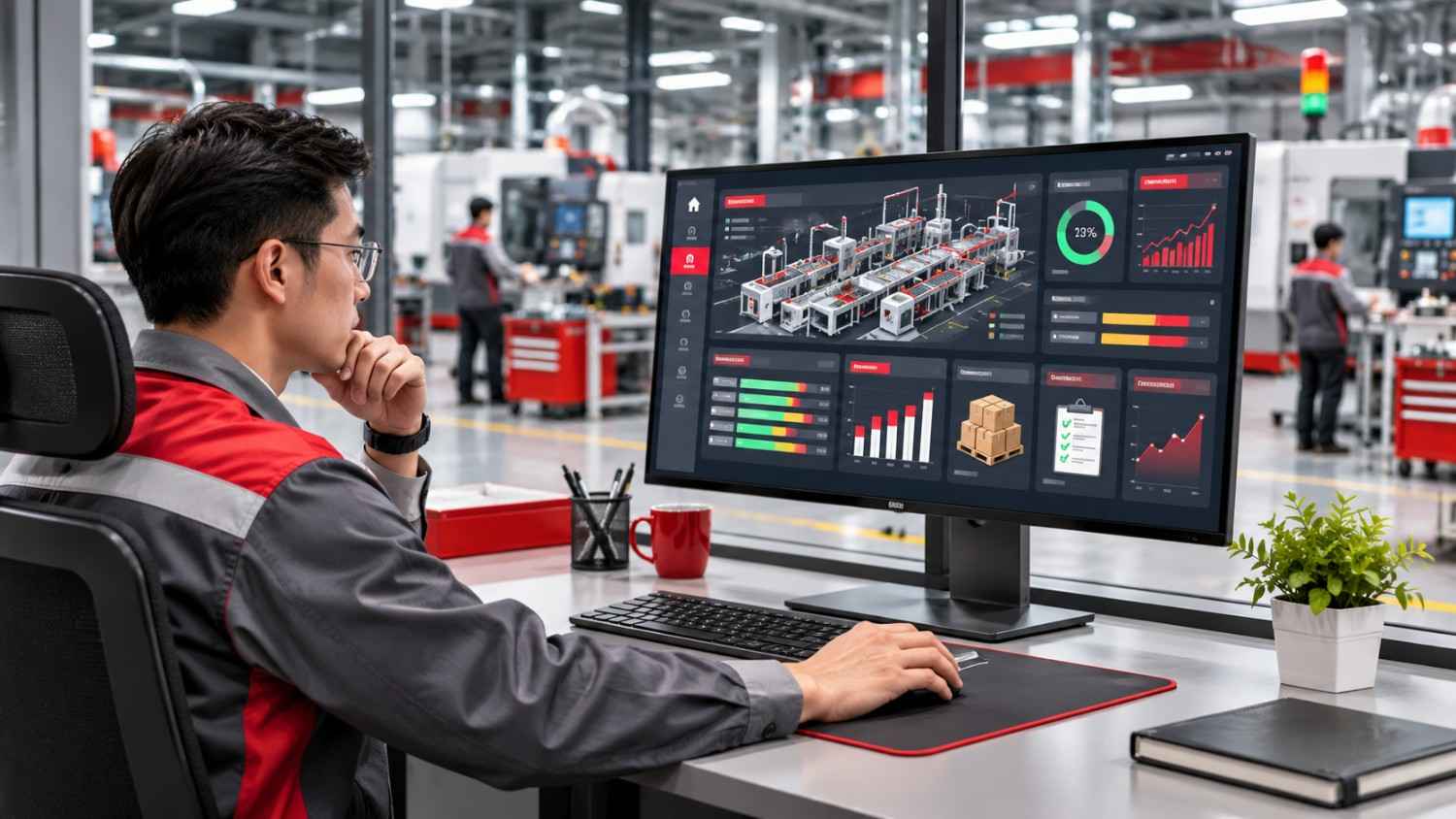
A centralised dashboard can display:
- Planned production versus actual output.
- Active and pending work orders.
- Machine availability and downtime.
- Material availability.
- Production delays.
For example, supervisors can review production information when an assembly line falls behind schedule and investigate the cause.
Business value: Better visibility helps managers identify problems early.
2. Identify recurring downtime patterns
A downtime tracking system which logs equipment details, interruption duration, reasons and maintenance actions.
These reports also present to teams which issues are recurring. If we see the same machine breaking down due to the same component failure again and again, we identify that as a root cause issue.
Business value: Organized records support root cause analysis and maintenance planning.
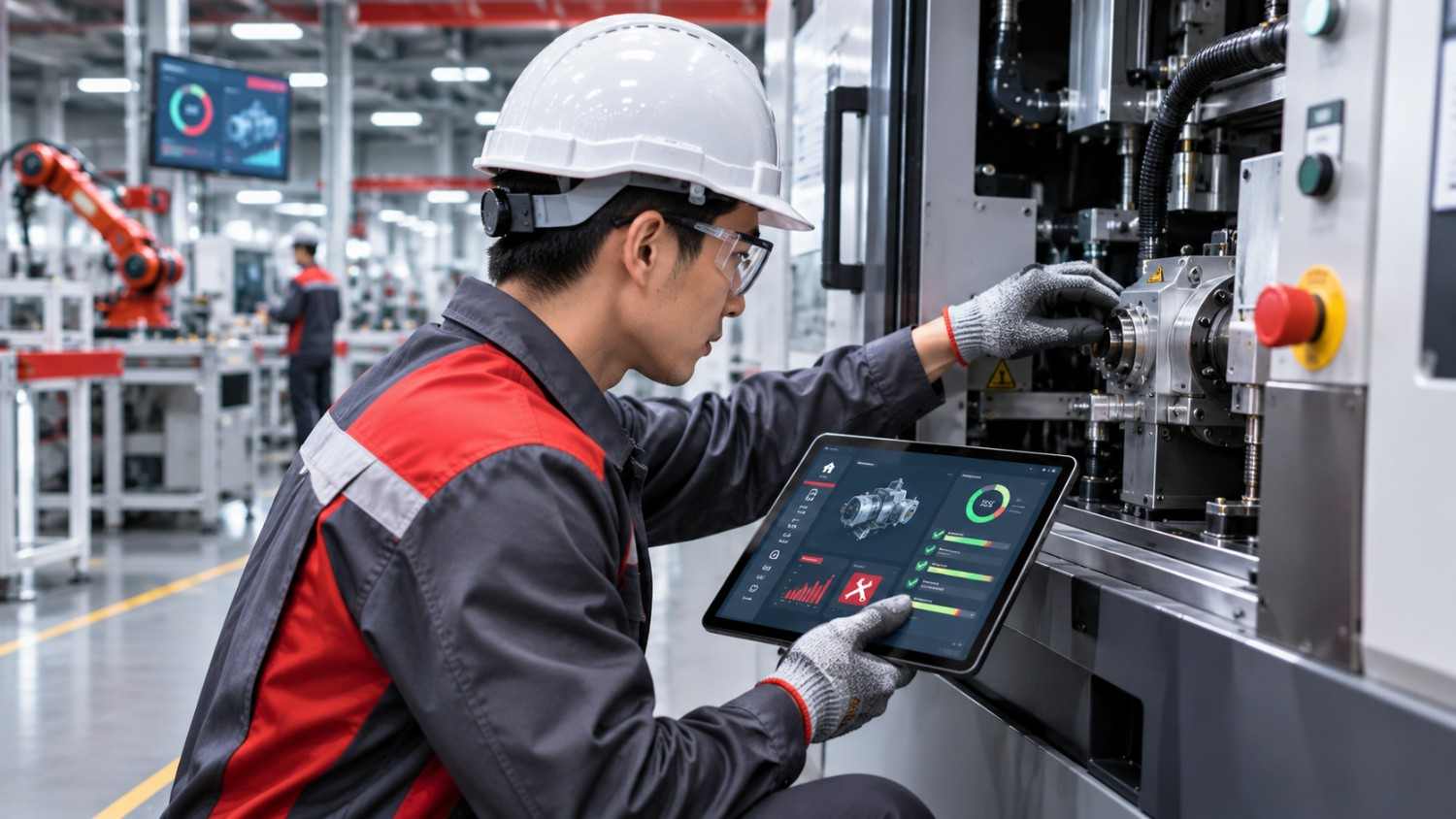
3. Coordinate maintenance activities
Digital maintenance workflows can help teams:
- Create and assign maintenance work orders.
- Schedule preventive maintenance.
- Maintain equipment service histories.
- Track spare-part requirements.
- Send maintenance reminders.
Predictive maintenance is also a possibility when we have appropriate sensor data and analytical models. But software by itself does not guarantee equipment failure prediction.
Business value: Better coordination of maintenance does for equipment reliability.
For manufacturers exploring advanced technologies, industrial AI solutions can help make technical documentation easier to access, analyse equipment information and support maintenance-related decision-making.
4. Reduce manual work and communication delays
Manufacturing software can perform automation of certain processes which include production notifications, work-order updates, inspection reminders and approval requests.
For example the quality team may get a report when a production order hits the inspection stage.
Business value: Employees report to spend less time on routine updates.
5. Improve production planning and resource utilisation
Digital tools for planning enable managers to compare production needs with what is available in terms of machines, materials and workforce.
| Planning activity | Software-supported approach | Expected improvement |
| Machine allocation | Check equipment availability | Better coordination |
| Workforce planning | Assign tasks and shifts | Clear responsibilities |
| Material planning | Check stock requirements | Fewer shortages |
| Order prioritisation | Track deadlines | Better scheduling |
| Production reporting | Compare planned and actual output | Informed decisions |
The objective is to support managers with reliable information, not remove human involvement from production planning.
Essential Capabilities to Look for in Production Management Software
Different manufacturing businesses have different operational requirements. A smaller factory may prioritise work-order tracking, while a larger facility may require equipment connectivity and advanced reporting.
Before selecting a solution, consider these capabilities.
| Capability | What it supports | Why it matters |
| Production planning | Scheduling and order management | Coordinates production |
| Work-order management | Task assignment and tracking | Improves visibility |
| Equipment monitoring | Machine records and downtime | Supports analysis |
| Maintenance management | Service schedules and history | Organises equipment upkeep |
| Inventory tracking | Material availability | Helps prevent shortages |
| Quality management | Inspections and defect records | Improves documentation |
| Analytics and reporting | Performance dashboards | Supports decisions |
| System integration | Data exchange between platforms | Reduces disconnected workflows |
Important technical considerations
Beyond features, manufacturers should evaluate:
- Integration compatibility: Can the solution exchange information with existing ERP, MES and inventory systems?
- Scalability: Can it support additional production lines and facilities?
- Data security: Does it provide appropriate access controls and backup procedures?
- Ease of use: Can operators and supervisors use it without unnecessary complexity?
- Reporting flexibility: Can managers access information relevant to their production processes?
Businesses exploring wider digital transformation can also consider industrial AI solutions for technical knowledge access and operational intelligence.
How to Choose Between Off-the-Shelf and Custom Manufacturing Software
Manufacturers must decide whether an existing product meets their requirements or whether a customised solution would be more appropriate.
Off-the-shelf software
Ready-made software supports common manufacturing activities through predefined features.
It may be suitable when:
- Production workflows are relatively standard.
- Required features are already available.
- Implementation needs to begin quickly.
- Extensive customisation is unnecessary.
However, some businesses may encounter limitations when their processes are specialised.
Custom manufacturing software
Custom-built solutions are developed around specific business requirements.
They may be appropriate when:
- Production workflows involve unique approval processes.
- Existing systems cannot exchange information effectively.
- Multiple legacy applications need integration.
- Specialised dashboards or automation are required.
Custom vs off-the-shelf: Quick comparison
| Factor | Off-the-shelf | Custom-built |
| Initial setup | Usually quicker | Requires development |
| Flexibility | Depends on configuration | Designed around requirements |
| Integration | Depends on connectors | Can be engineered for agreed interfaces |
| Initial investment | Often more predictable | Depends on scope |
| Maintenance | Vendor-dependent | Requires support arrangements |
| Scalability | Depends on product | Can be planned around business needs |
Before selecting a solution, manufacturers should also understand the key stages involved in manufacturing software development and implementation, from identifying operational requirements to integrating systems and testing the final application.
What about a hybrid approach?
Manufacturers do not always need to replace existing systems.
For example, a factory using ERP for purchasing and inventory may only need a customised production dashboard. The dashboard can retrieve relevant information from the existing system and make it easier for managers to monitor operations.
For businesses considering tailored applications, custom software engineering can support a wider digital operations strategy.
Measuring the Business Value of Manufacturing Software
A digital production system should deliver improvements that can be evaluated through measurable outcomes.
Manufacturers should establish performance indicators before implementation.
| Performance metric | What it measures | Business relevance |
| Production cycle time | Time required to complete production | Identifies delays |
| Machine downtime | Time equipment remains unavailable | Highlights interruptions |
| On-time delivery rate | Orders delivered within deadlines | Measures reliability |
| Overall Equipment Effectiveness (OEE) | Availability, performance and quality | Evaluates equipment productivity |
| Scrap and rework rate | Defective products and corrections | Identifies quality issues |
| Inventory accuracy | Difference between recorded and actual stock | Supports planning |
| Maintenance response time | Time taken to respond to requests | Evaluates coordination |
How should manufacturers evaluate improvements?
A simple four-stage approach can help:
- Establish a baseline: Record current production performance and downtime.
- Implement the solution: Introduce the required software capabilities.
- Compare performance: Review the same metrics after implementation.
- Identify improvements: Investigate recurring problems and adjust workflows.
For example, a centralised reporting system may reduce the time managers spend preparing daily production reports.
However, manufacturers should remember that equipment upgrades, workforce changes and production volumes can also influence performance.
The NIST Smart Manufacturing Systems Design and Analysis Program provides further information about connected manufacturing systems and production analytics.
How UAutomate AI Helps Manufacturers Build Connected Production Operations
Manufacturers have operational information which is put in equipment records, production systems, spreadsheets and technical documents. By connecting these sources we make everyday operations easier.
UAutomate AI offers software engineering and AI powered solutions for businesses which can help to develop digital workflows, integrate information and improve access to operational knowledge.
Its engineering design can support a variety of manufacturing needs.
1. Production workflow management
Custom digital work flows which include production tasks, work status updates, shift handovers and operational check points. Centralized dashboards which in turn report to supervisors on pending activities.
2. Downtime analysis and production visibility
Manufacturers can log downtime records and track production events out which are related to recurring issues.
Relevant features may include downtime logging, bottleneck analysis, equipment incident tracking, MTTR and MTBF reporting.
3. Maintenance intelligence
Digital solutions can present equipment histories, maintenance records and technical documentation. AI enabled knowledge tools also can help employees access the relevant info from technical documents.
4. Quality and traceability workflows
Digital audit checklists, batch reports and corrective action processes improve documentation and support consistent quality.
5. Integration with existing industrial systems
Manufacturers are using ERP, MES, CMMS, PLC and SCADA at present. We do not always have to replace every existing system.
UAutomate AI is to evaluate present interfaces and develop appropriate integrations based on technical compatibility and project requirements.
Explore UAutomate AI’s manufacturing software and MES development services to understand how tailored solutions can support connected industrial operations.
Frequently Asked Questions About Manufacturing Software
1. What is Manufacturing Software?
Manufacturing software is a software tool that helps to manage processes within manufacturing including planning, work order management, stock and maintenance management, as well as quality control. The software will provide an organisation with structured data and help them easily manage their manufacturing processes.
2. How does manufacturing management software help with increasing efficiency?
By providing an integrated system, work orders can be tracked and production managed. Routine tasks are automated. Managers can quickly spot issues with delays.
3. Can I reduce downtime using production management software?
Yes! The software can be used to log downtime of your equipment, provide maintenance management and identify trends in downtime. Whether this is achieved will depend on how old the equipment is, how well it is maintained and how quickly issues can be resolved by your team.
4. What is the difference between ERP and MES?
ERP covers wider processes within a business including financial, procurement and stock. MES is more focused on managing and monitoring manufacturing processes. They can be used together to provide integration between business planning and manufacturing.
5. Can manufacturing software integrate with my equipment?
Yes! Depending on what equipment you have and whether it is compatible, manufacturing software can integrate with your PLC, SCADA, sensors, industrial gateway, API or middleware. If you have older machinery you may need to carry out further technical analysis.
6. Should I use bespoke or off the shelf software?
For many common requirements, off the shelf software will be suitable. However if you have complex processes or require bespoke integrations and reporting, bespoke software should be considered. A hybrid option can be used to utilise your current platforms but create bespoke applications.
Conclusion: Build a More Connected and Efficient Manufacturing Operation
Production output is a result of the effective collaboration between people, machines, materials and information. Also when systems are separate and manual processes are used we see delays which in turn affect production schedules and business performance.
The right digital strategy for manufacturers is that which improves workflows, which in turn supports better equipment use and which also leads to better informed decisions. When manufacturing software is designed with real operational issues in mind it supports these improvements.
UAutomate AI offers manufacturing software solutions for businesses looking to improve production coordination and reduce operational bottlenecks.
Ready to improve your manufacturing workflows? Contact UAutomate AI to discuss your production challenges and explore a suitable software solution.